> ## Documentation Index
> Fetch the complete documentation index at: https://docs.niteshift.dev/llms.txt
> Use this file to discover all available pages before exploring further.
# Slack
> Trigger Niteshift tasks from Slack. DM the bot for private work or @mention it in a channel for team-visible tasks.
Trigger and interact with tasks from Slack. DM the bot for private tasks, or mention `@Niteshift` in
a channel to start a team-visible one.
## Setup
Open **Settings → Integrations → [Slack](https://niteshift.dev/settings#integrations)** and click **Add to Slack**. The OAuth flow installs Niteshift workspace-wide.
Run `/invite @Niteshift` in any channel where you want to trigger tasks. The bot only sees channels it's been invited to.
## How to use
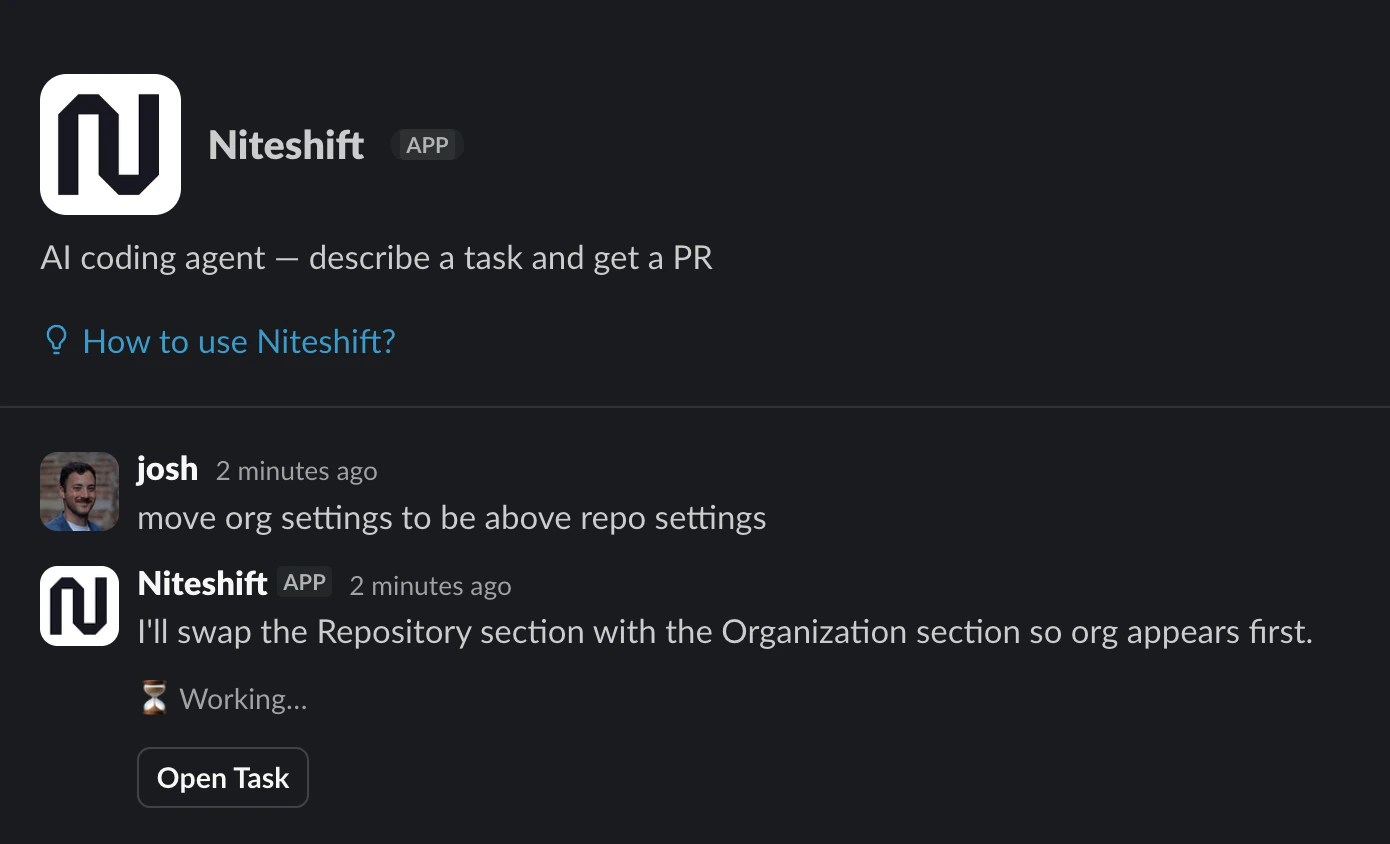
**DM the bot** for private tasks. Only you see the conversation:
**Mention `@Niteshift` in a channel** for team-visible tasks. The bot starts with your prompt, plus
the thread and recent messages in the channel as context. It will keep you updated in the thread as
it works.
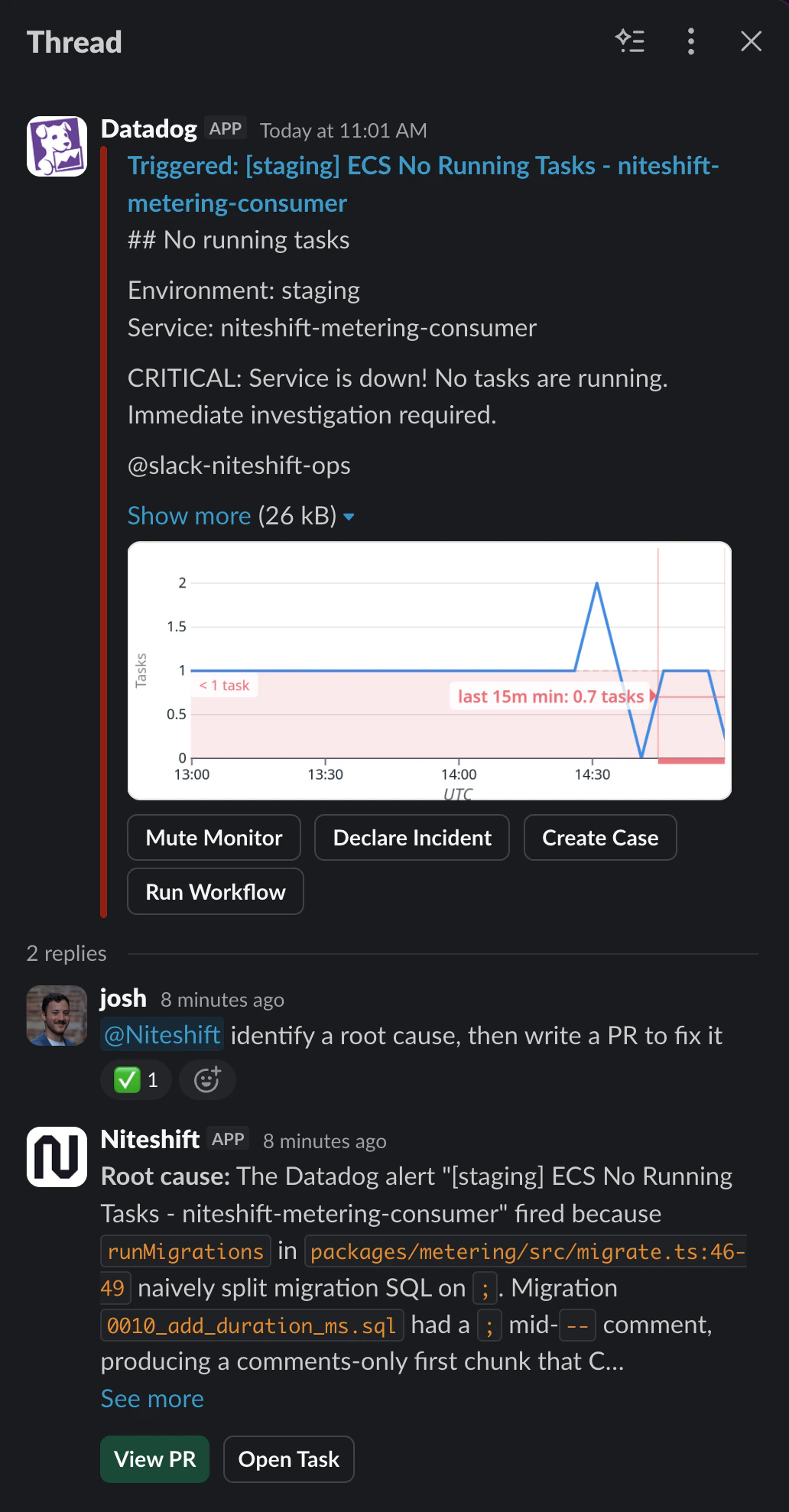
Reply in the same Slack thread to send follow-up prompts to the same task. The agent picks up your
reply and continues working.
Other members of your team can reply in the same thread to create their own independent tasks.
Slack is a natural place for "respond to a production alert" workflows. With an [MCP
server](/customizing-agents/mcp) like Datadog or Sentry posting alerts to a channel, you can reply
`@Niteshift fix this` and the agent picks up the alert context as part of the prompt.