

Setup
You need a Niteshift account. Sign up, connect your repository, and configure an environment.1
Install the Slack app
Open Settings → Connections → Integrations → Slack, click Add to Slack, and approve installation in your workspace. This links your Slack account.
2
Choose a default environment
Set Default environment in that panel. A default is required even when specifying another environment. Each teammate must connect their Niteshift account.
3
Invite the bot to channels
Run
/invite @Niteshift in each channel, including private channels.How to use
Direct messages
DM Niteshift your task description for a private conversation.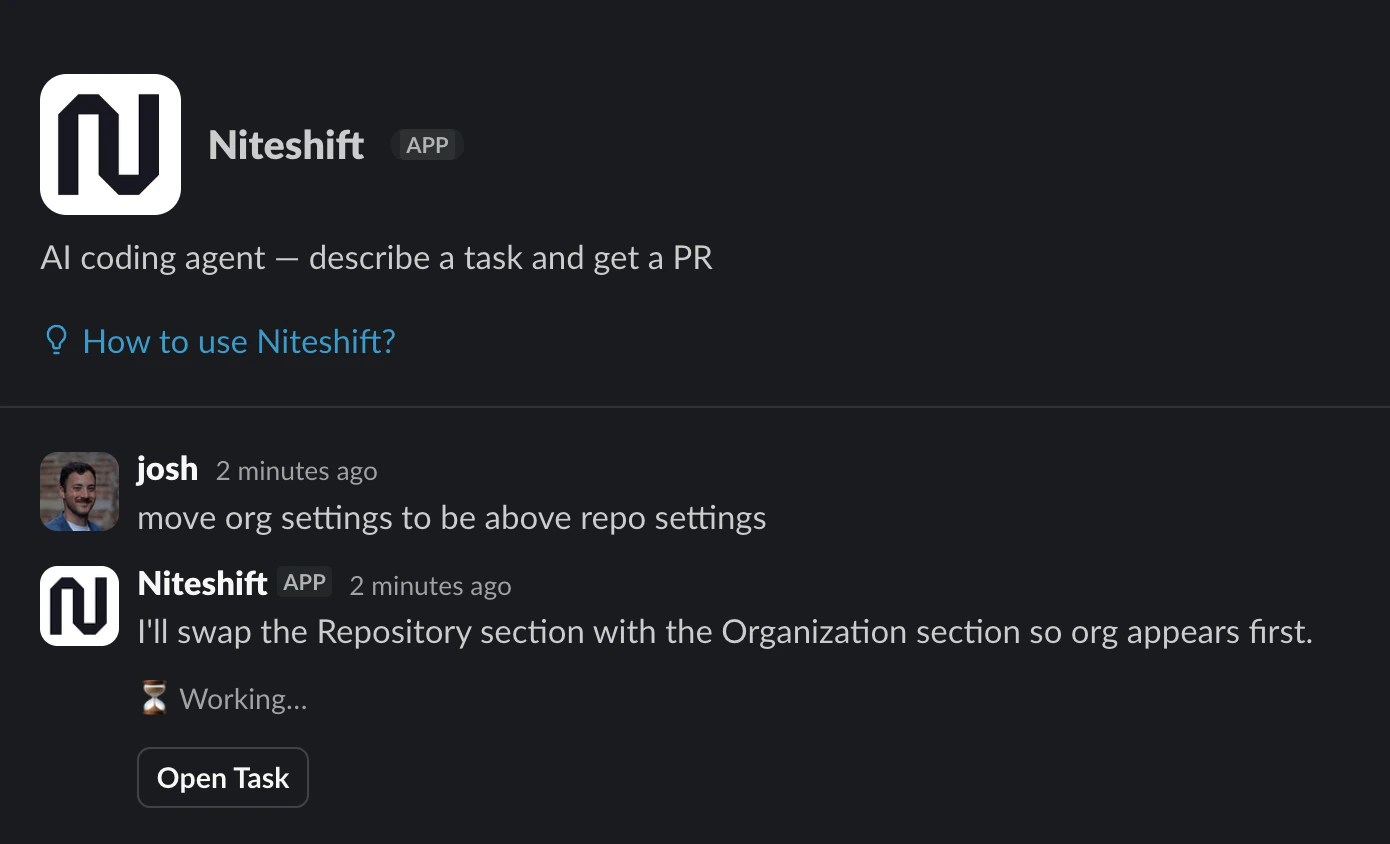
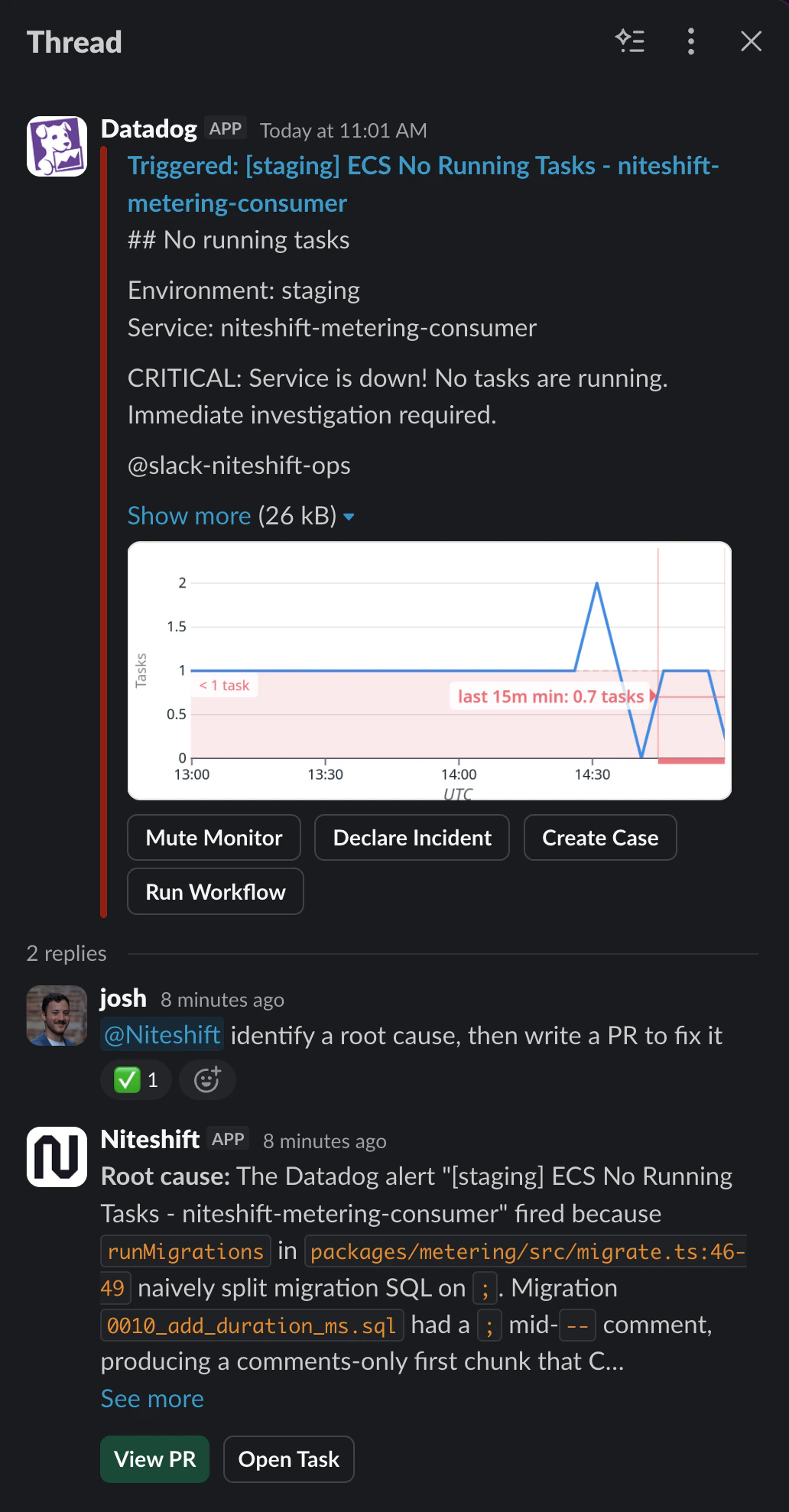
Channel mentions
Mention@Niteshift with your request. Channel mentions include recent channel context; mentions
inside threads include that thread instead. Updates appear in the task’s thread.
Choose a model and environment
Pick a model and environment in your starting message using plain English, in channels or DMs:use gpt astra at high effort.
Unrecognized or ambiguous choices keep your defaults. So does discussing a model or environment,
such as add Sonnet to the model picker. Follow-ups continue the existing task.
Thread follow-ups and team replies
Reply in the DM thread, or mention Niteshift again in the channel thread:Task link previews
Share aniteshift.dev task link to preview its title, repository, model, and pull request.
Previews require the sharer’s task access and are visible throughout the conversation.
Configuration
Slack App Home
In Home, set Default repository and Default model. Repository selection uses its default environment; choose another in web settings. Your default follows your account’s model.Web settings
In Slack settings, connect your account, change Default environment, or Unlink.
Default environment for Slack tasks.

Default model for Slack tasks.
Multiplayer Slack tasks
Multiplayer tasks run under a shared service account. Active organization members with linked Slack accounts can direct the same agent in a channel thread.Multiplayer tasks are in early access. Contact support for access.